4.2
Stories and dialogues generated by AI
Stories and dialogues are a very effective way to learn, especially when they use words and phrases you already know. They fix the meaning of those words and show how they work in real language. Taalhammer writes short stories and dialogues like that for you, with the help of AI.
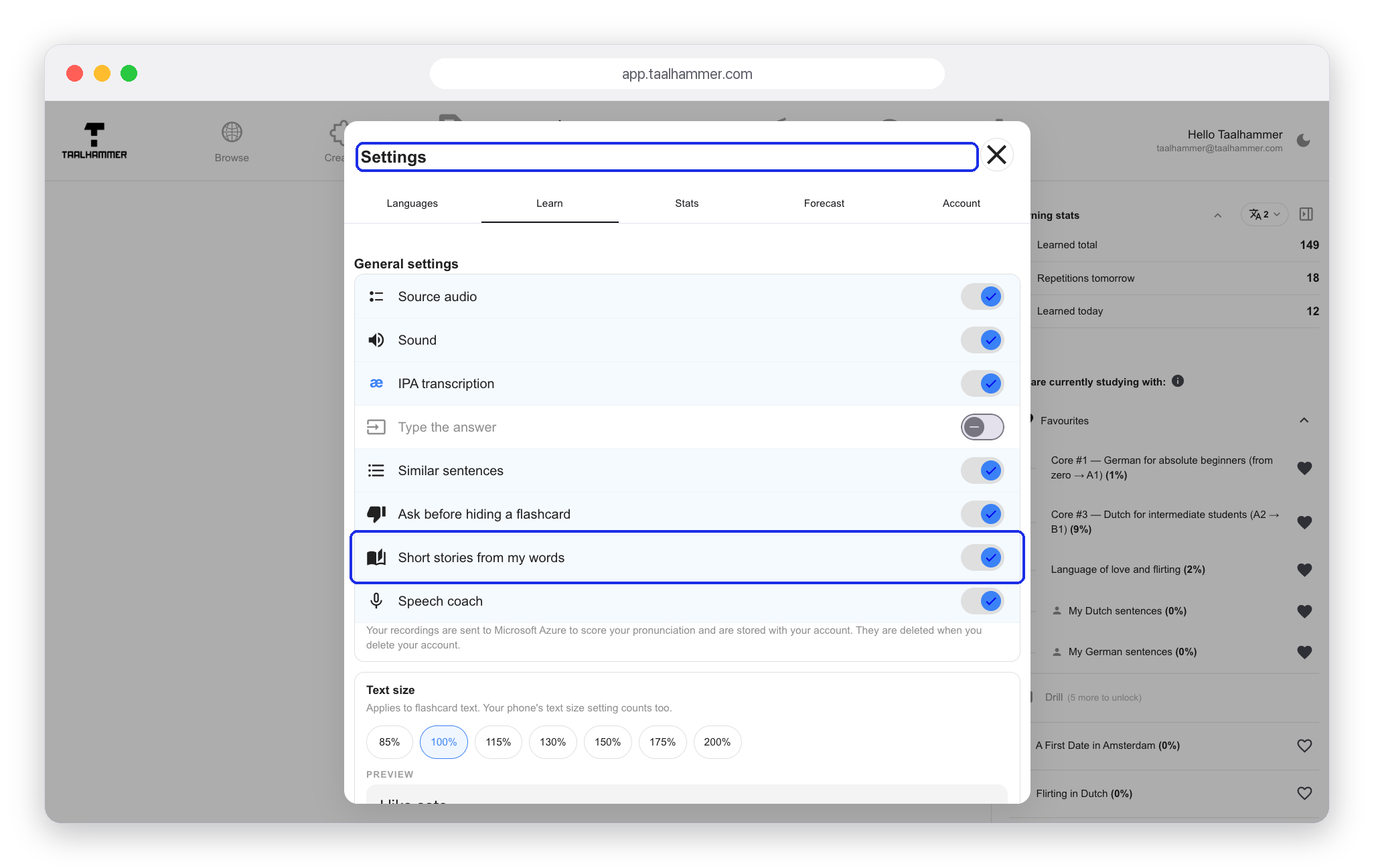
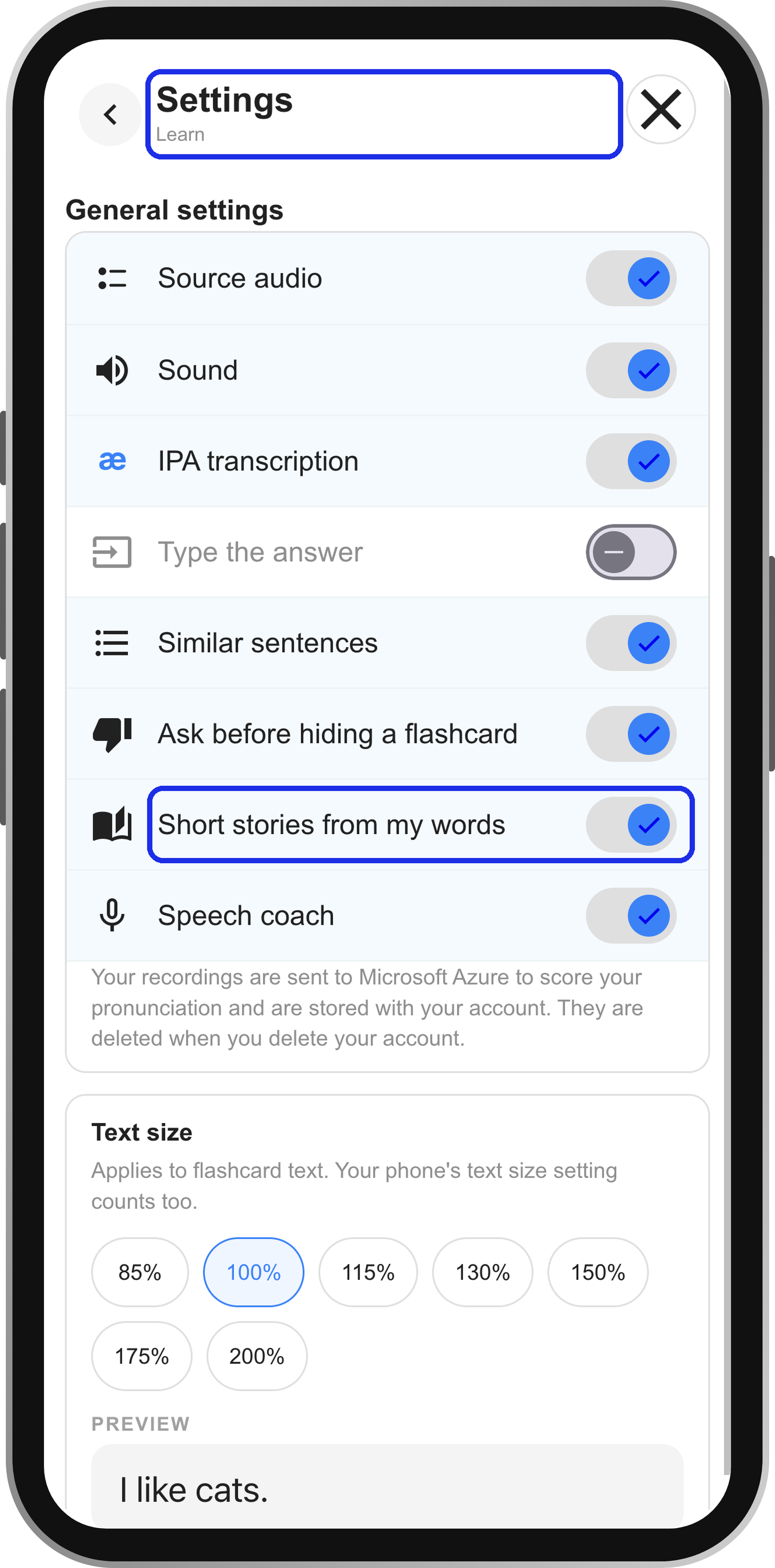
To switch them on, open the settings in Learn and turn on Short stories from my words.
After that there is nothing more to do. Learn in Learn or listen in Listen, and about every twenty cards you get a story. If you add your own words and sentences in the Creator, the stories use them too.


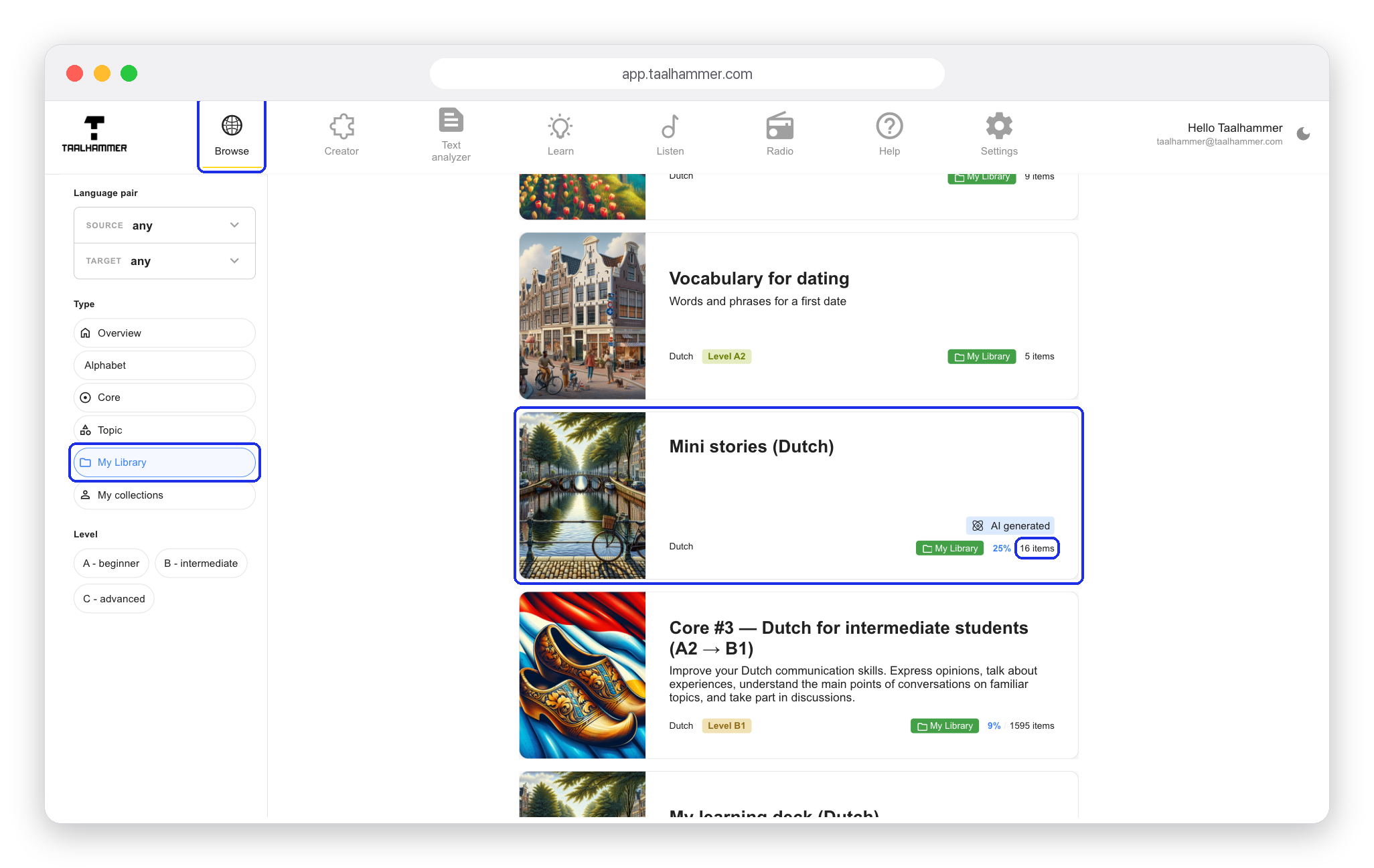
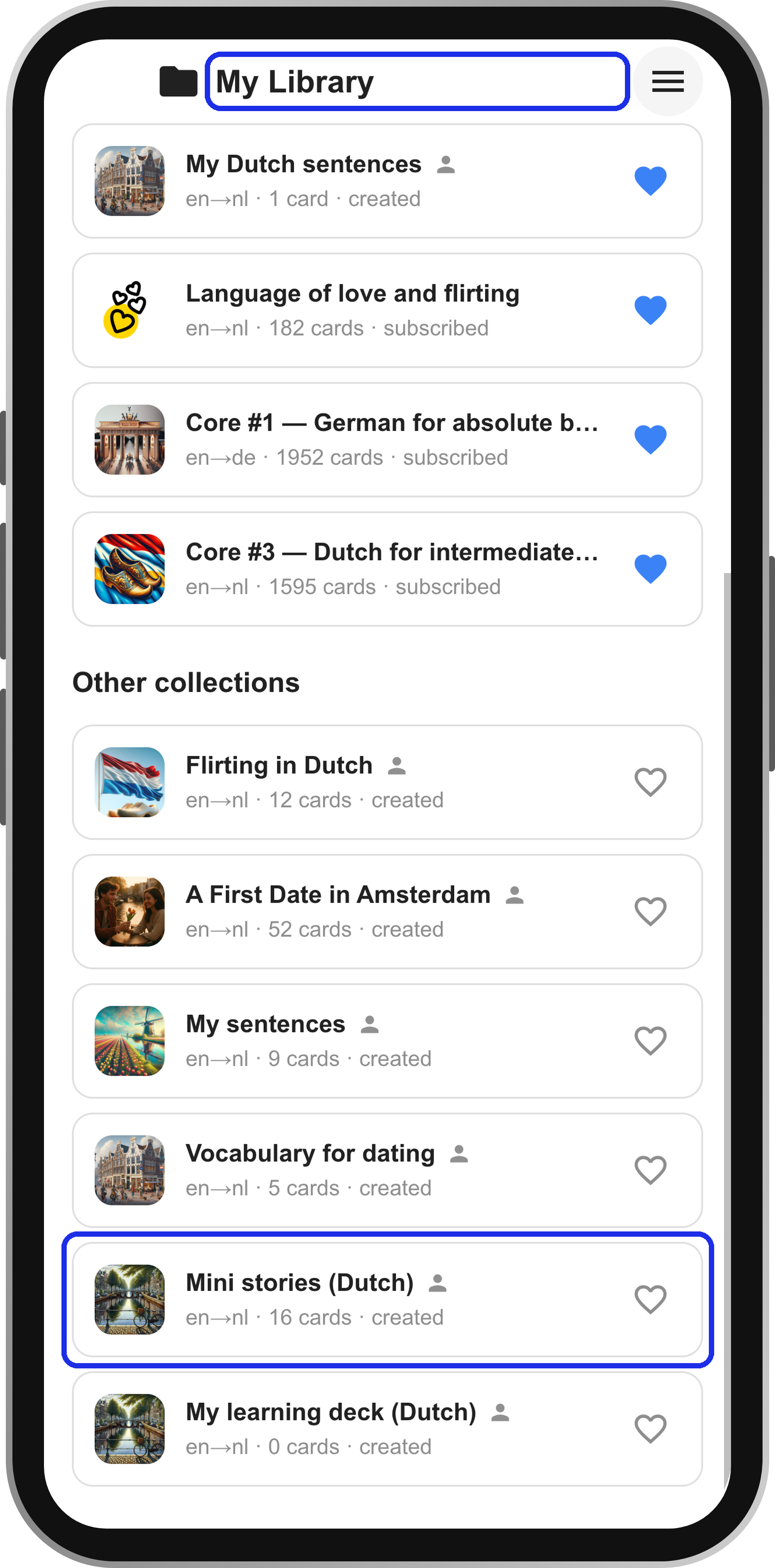
After about thirty minutes of learning, a collection called Mini stories appears in your library. On a computer, find it in Browse under the My Library filter. On a phone, open My Library from the menu. The counter on the collection card shows how many stories it holds. Click the collection to read the stories, and on a computer click the speaker icon next to a story to hear it.