3.3
Choosing what you listen to
In Listen you hear everything in your library: the collections you have subscribed to and the content you created yourself. You can listen to all your Favourites at once, and Taalhammer mixes material from different collections, or to just one collection.
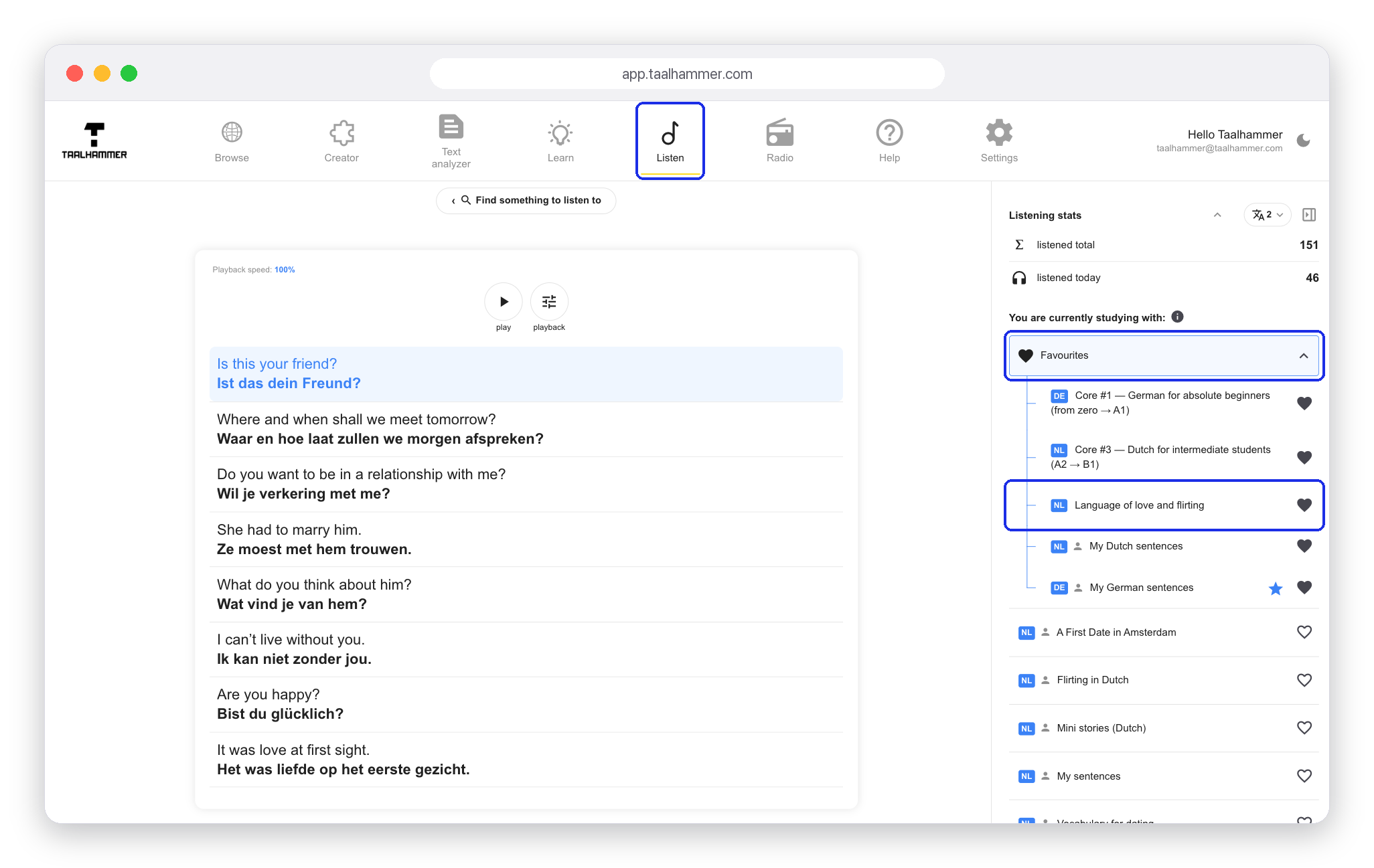
On a computer your collections are in the panel on the right. Click Favourites to listen to all of them, or click a collection's name to listen to that one only. On a phone, the same choices are on the Listen screen.
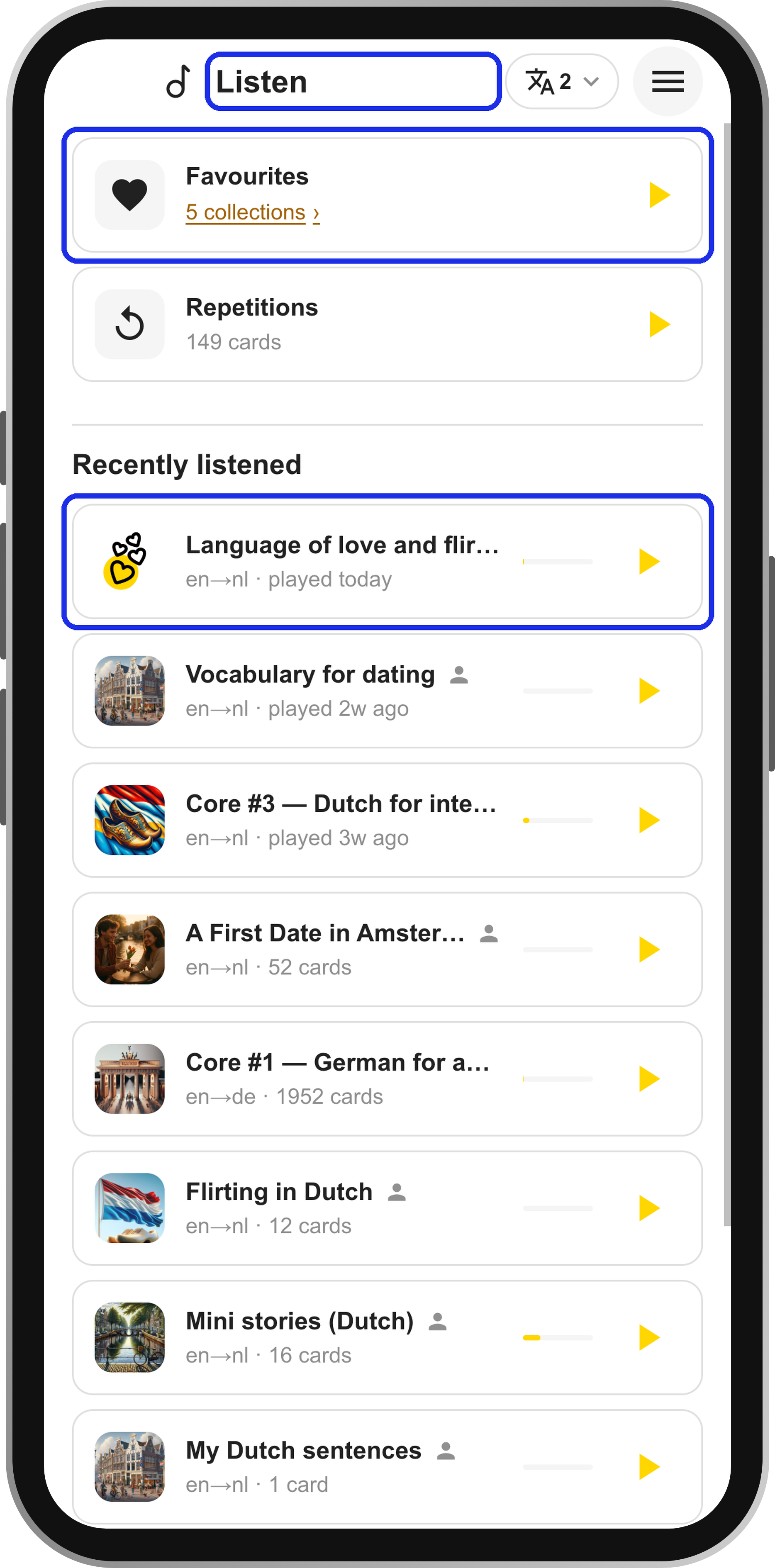
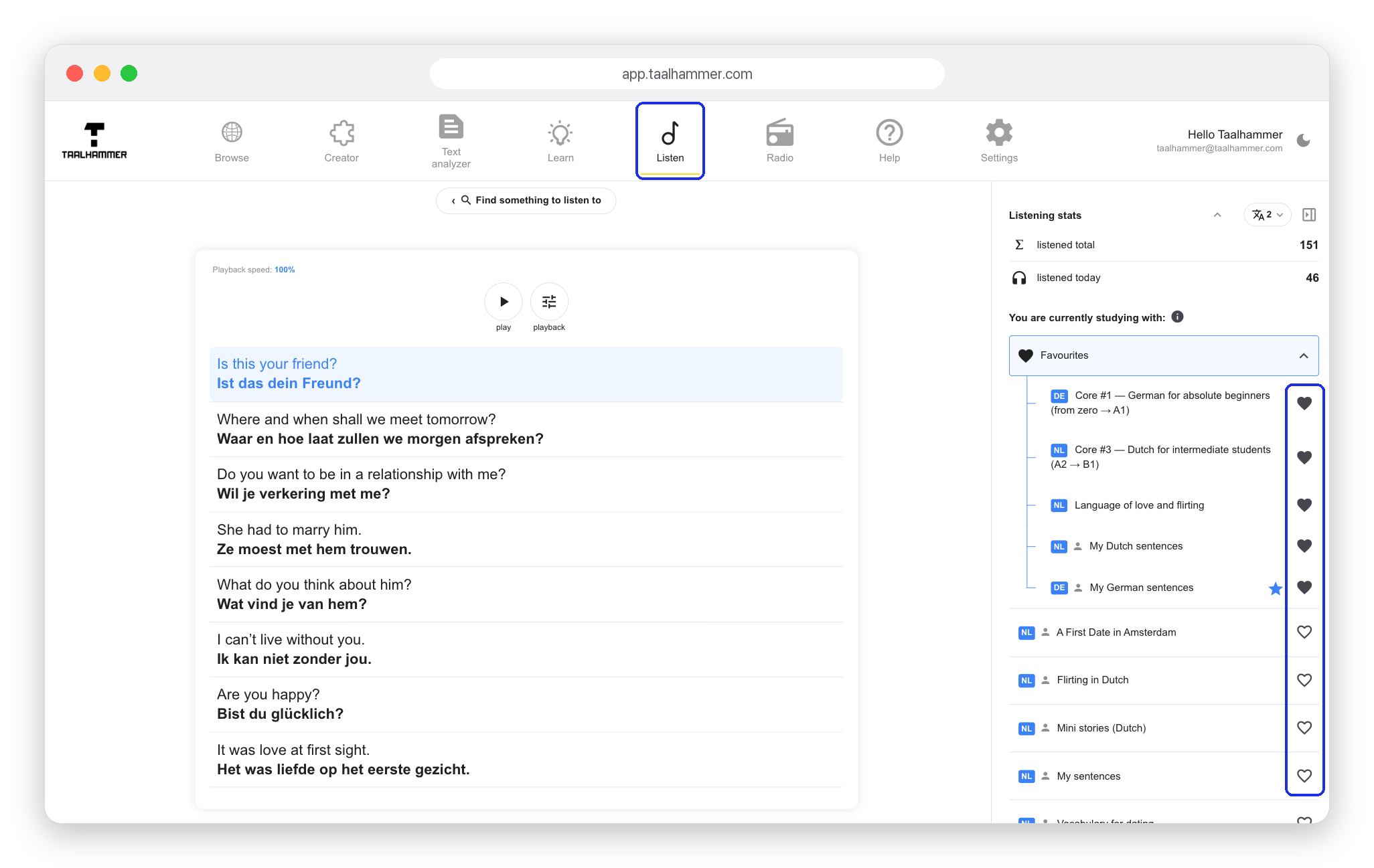
To take a collection out of your Favourites, click the heart next to it; click an empty heart to add one. On a phone, the list with the hearts opens from the link under Favourites.

To get new material to listen to, use the Creator, which makes content tailored to you with the help of AI, or add collections from our catalogue in Browse. Creating your own content is covered in separate videos.