6.7
How to import content from Anki or any CSV file
If you use Anki, you know its strong side: the repetition algorithm works well and the program is free. The weaker side is that you do almost everything yourself. To give one card a translation, audio and pronunciation, you install add-ons, set them up and type a lot by hand. Taalhammer does that for you on every device, and everything you have already made in Anki stays yours.
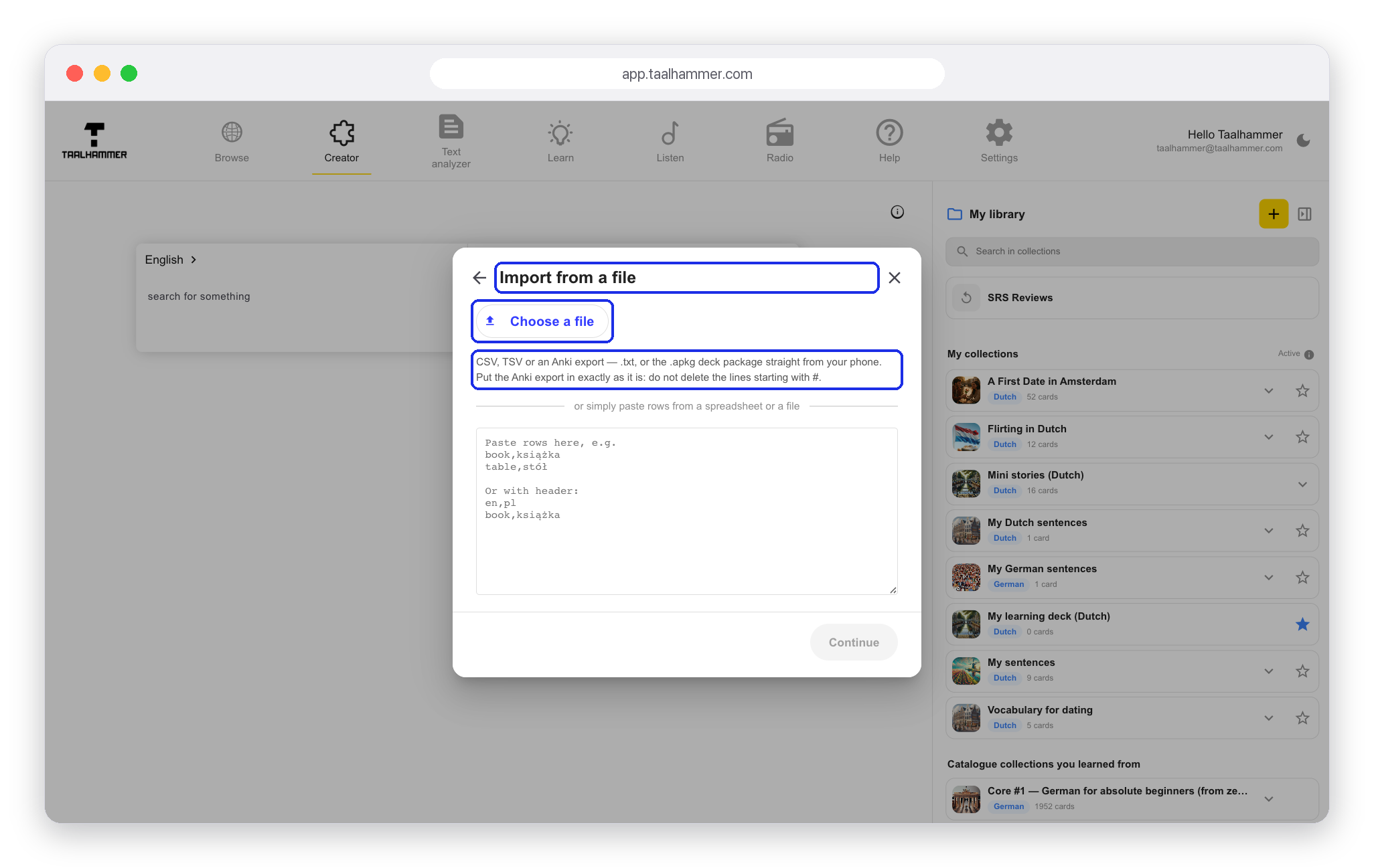
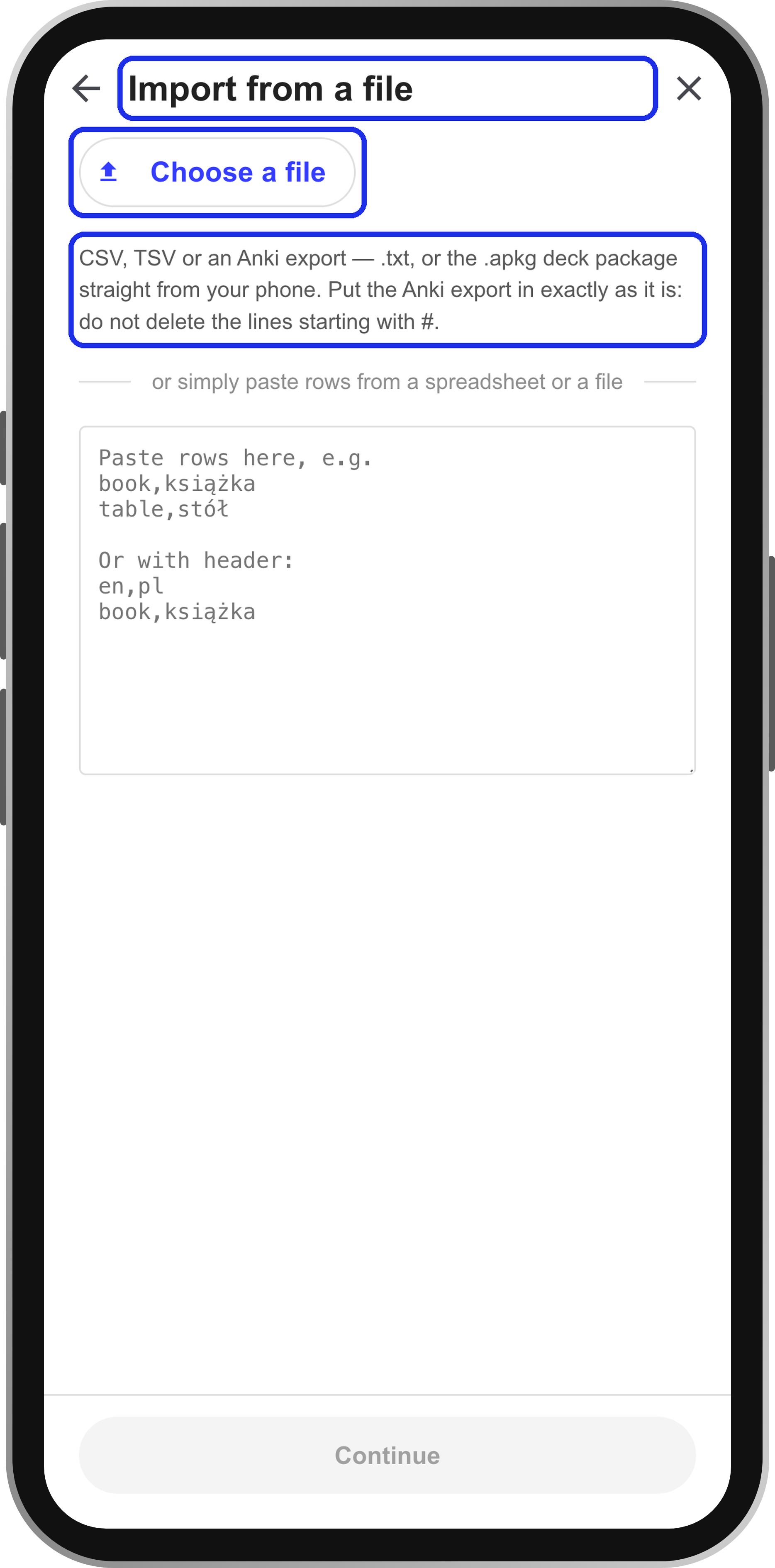
On a computer, go to the Creator and click the yellow plus, Add Deck, in My library. On a phone, open My Library and tap New collection. Choose Import from a file and click Choose a file. You can use a CSV or TSV file from a spreadsheet, or an Anki export: the text file, or the .apkg package straight from your phone. Upload it exactly as Anki wrote it. You do not need to tidy it or delete the lines that start with #.
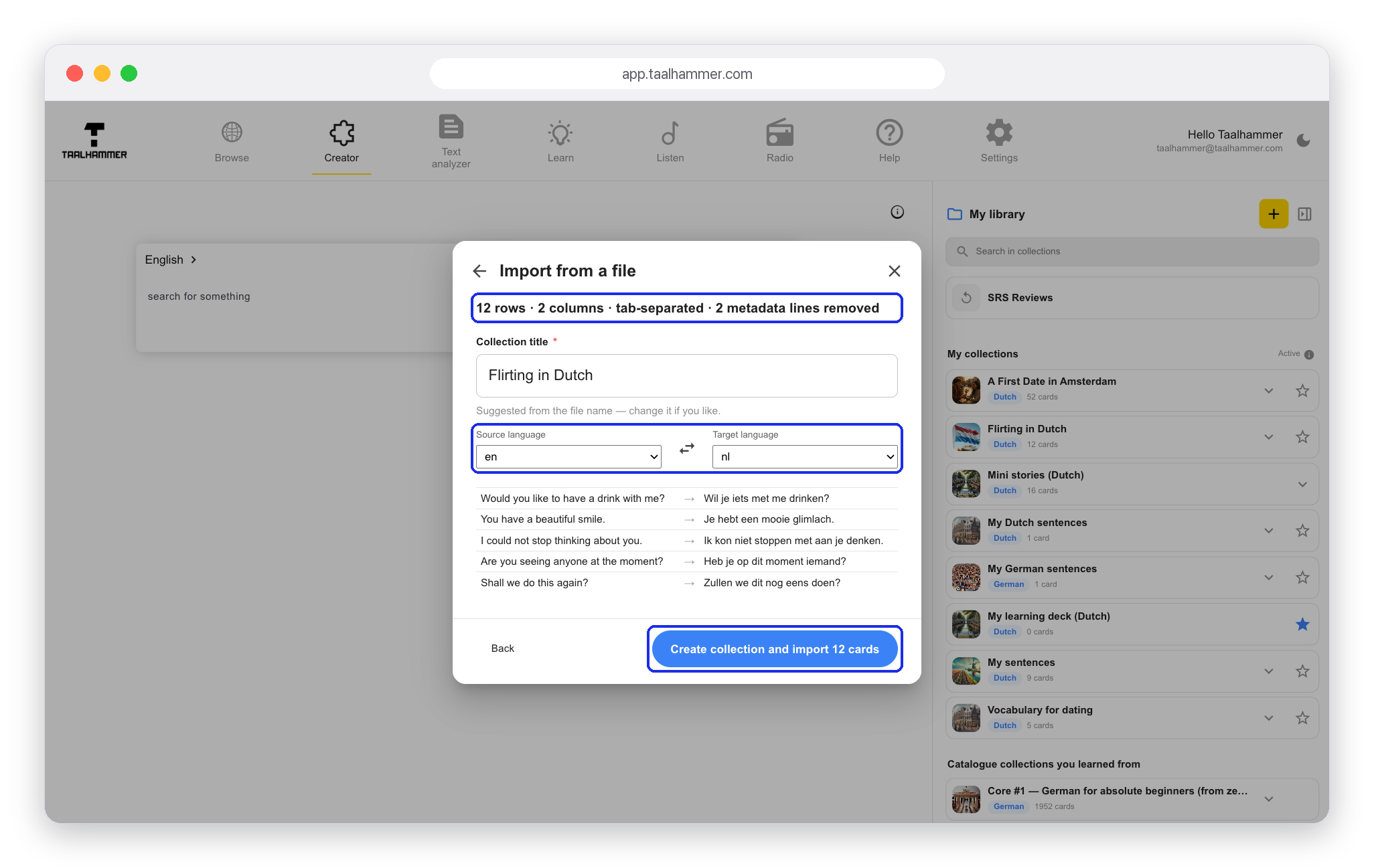
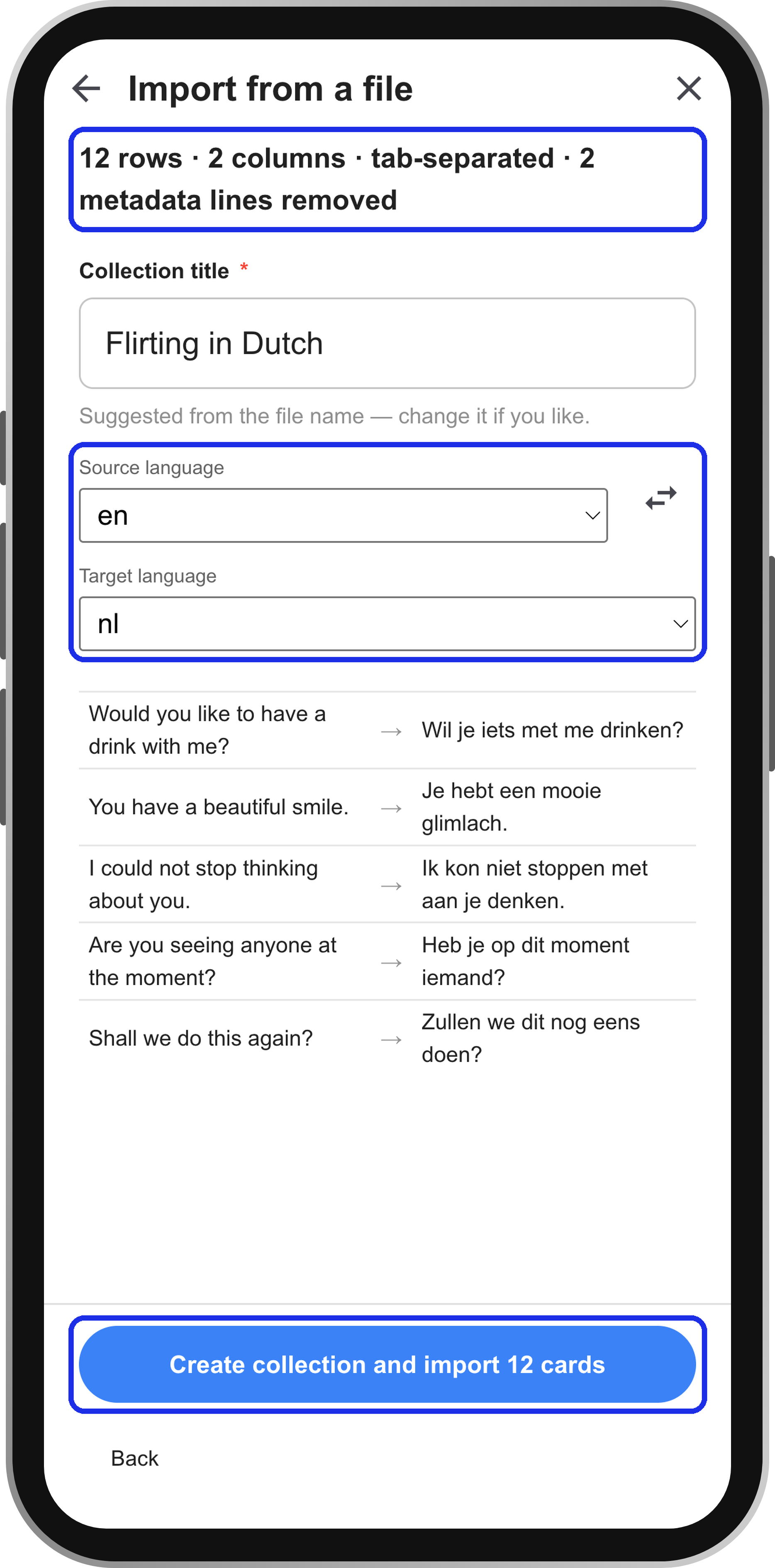
Taalhammer reads the file and tells you what it found: how many rows, how many columns and which two languages. Check that it has understood the file correctly, and swap the source and target languages if they are the wrong way round. Then click Create collection and import. Every flashcard gets audio and pronunciation and is ready to learn and to listen to.