7.2
How to add a collection to your library
The hardest part of learning a language is not the grammar. It is deciding every day what to study, and then sitting down to do it. Once a collection is in your library, that decision is made: you open the app and the work is waiting.
Go to Browse. It is the catalogue of every course Taalhammer has, in every language pair. On a computer you set the pair in the panel on the left: the language you speak and the language you are learning. Below it you can narrow the list to Core or Topic collections and to a level, or type a name into Search decks. On a phone, the pair and the level are at the top of the screen.


Open a collection to see what is inside: the languages, the level, the number of items and the sentences themselves. If it is the right one, click Add to My Library. It joins your Favourites and starts coming up when you learn and when you listen. You can also start straight away with Learn or Listen.
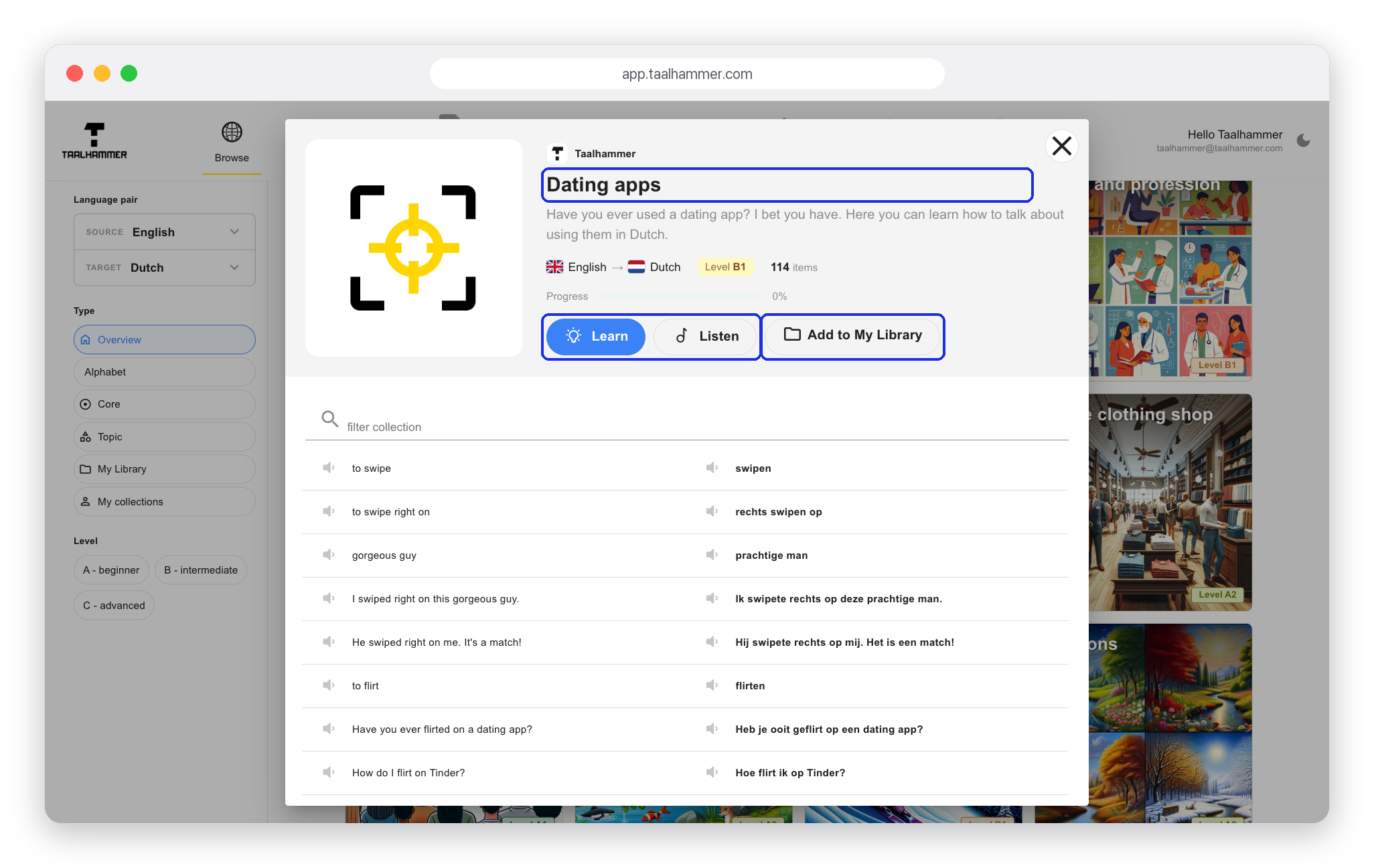
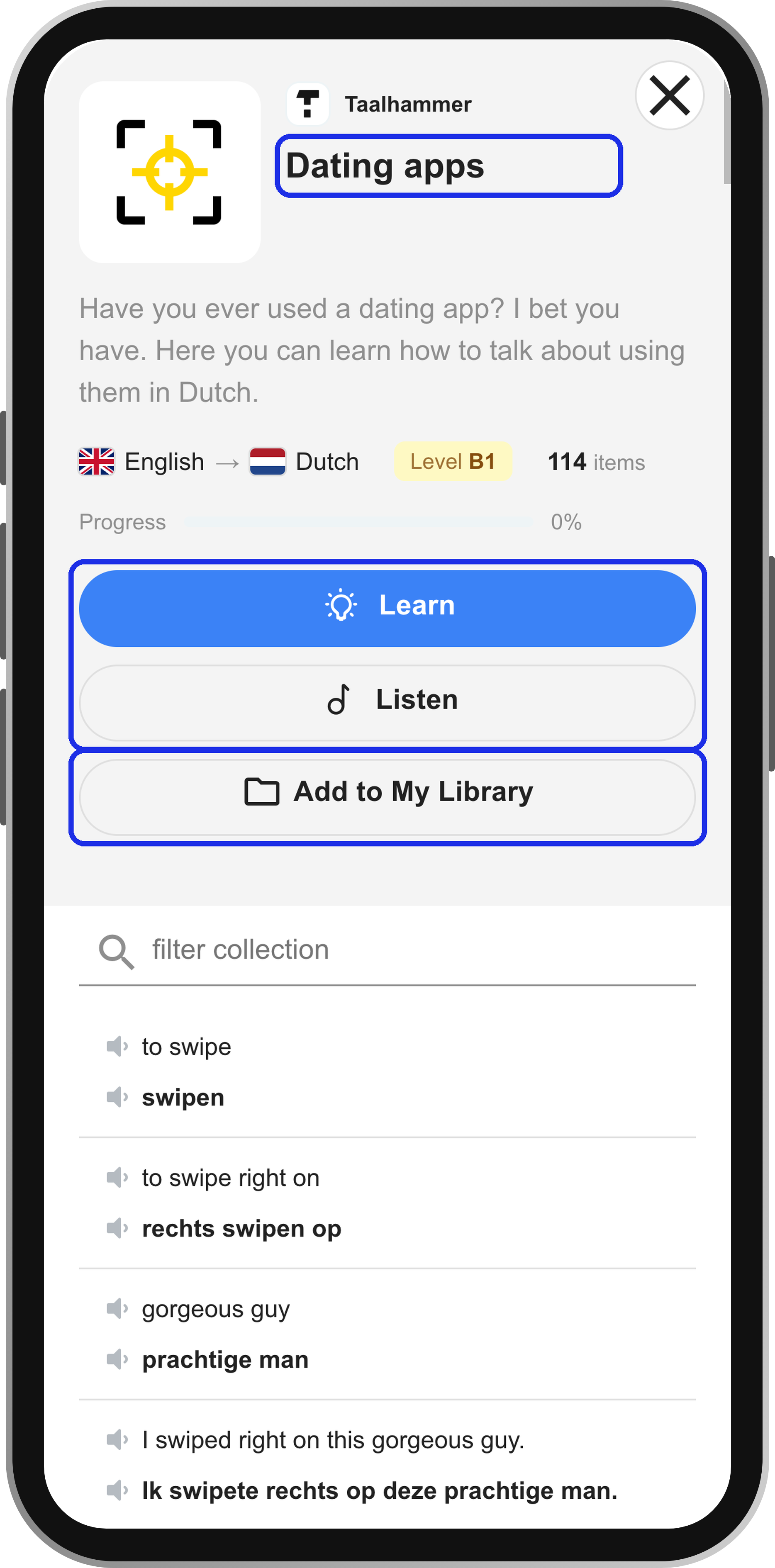
On a computer, everything you have added is in Browse under the My Library filter.