6.6
How to create a listening story (and analyze the text)
Everything you read can become learning material. A message, a news item, a few lines from a song: if you understand it, it can turn into sentences you learn, verbs you finally get right and a story you listen to on the way to work.
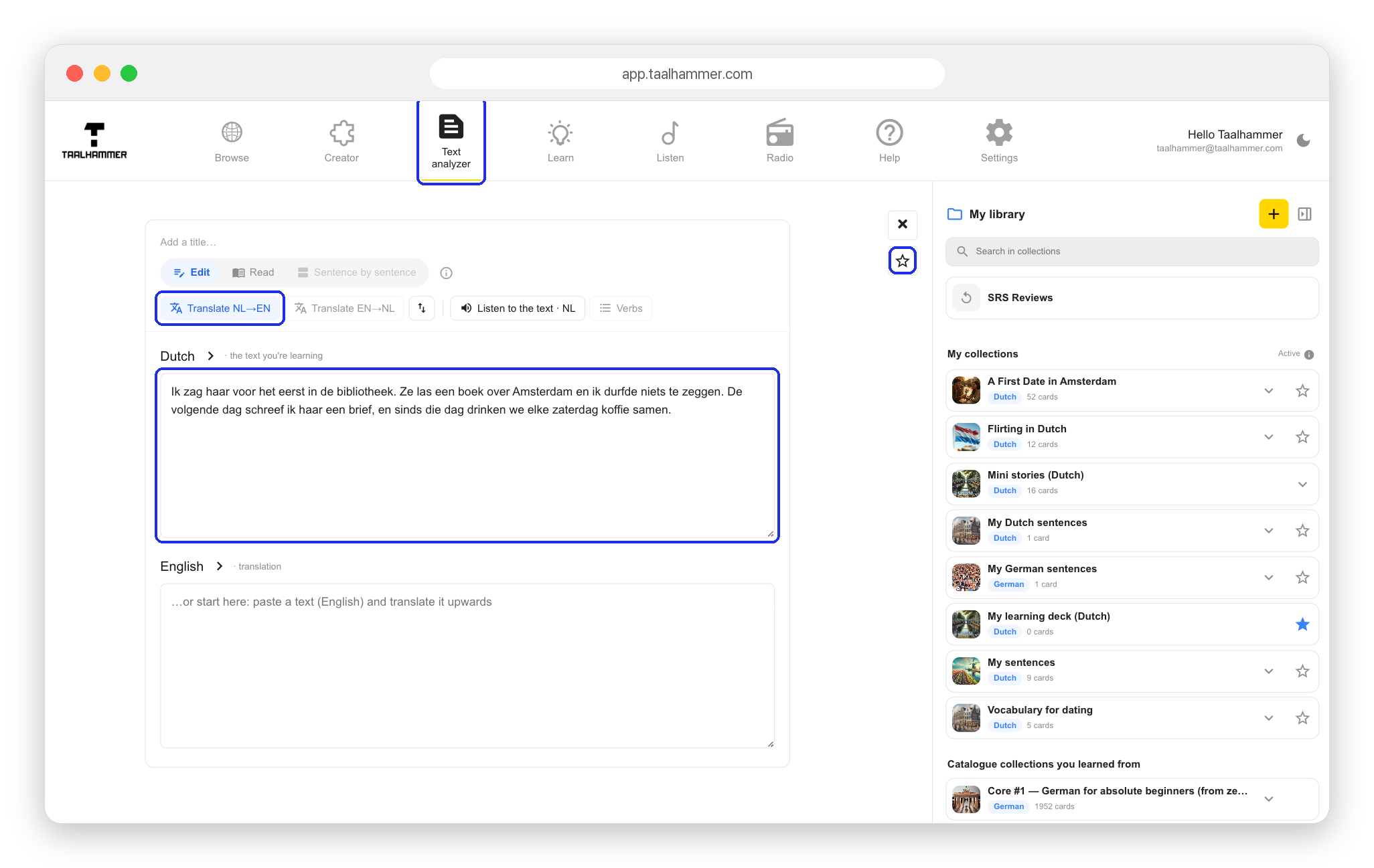
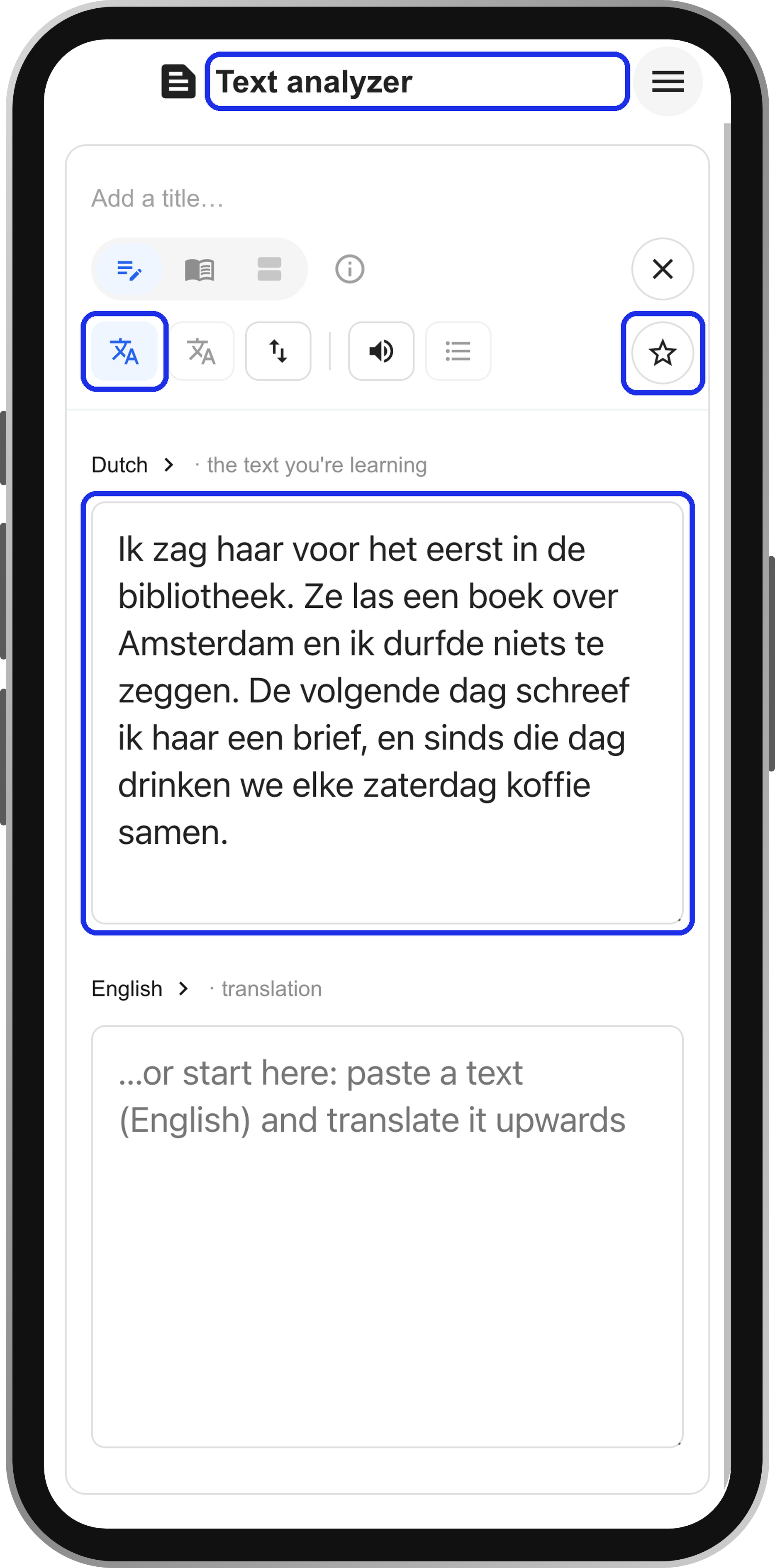
Go to the Text analyzer and paste a text in the language you are learning. You can also write it in your own language and let Taalhammer translate it. Click Translate to get the other version. Then click the star to save the text. Taalhammer makes the audio, splits the text into sentences and adds it to your active collection.
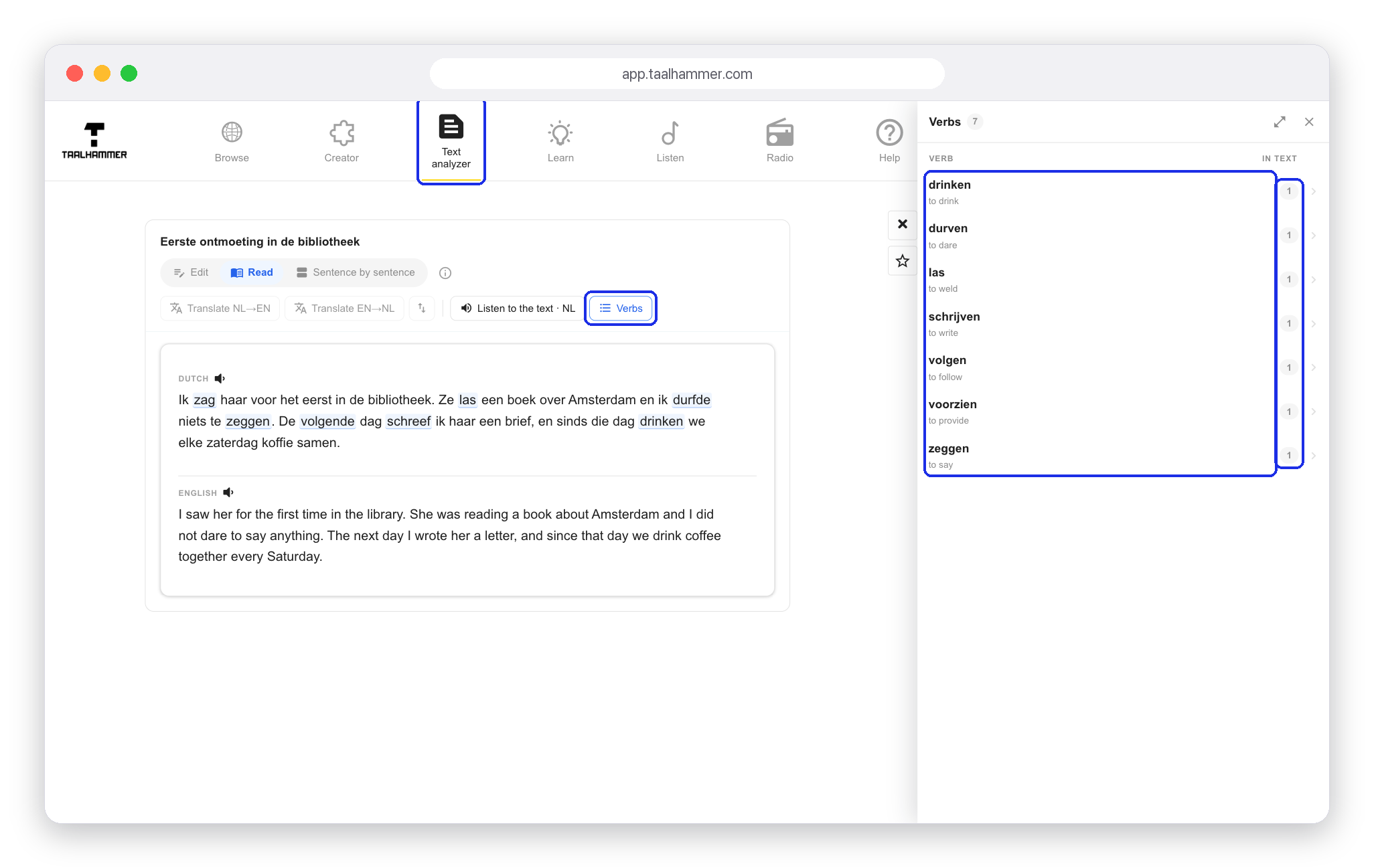
In Read you have the whole text to study, with every verb picked out.
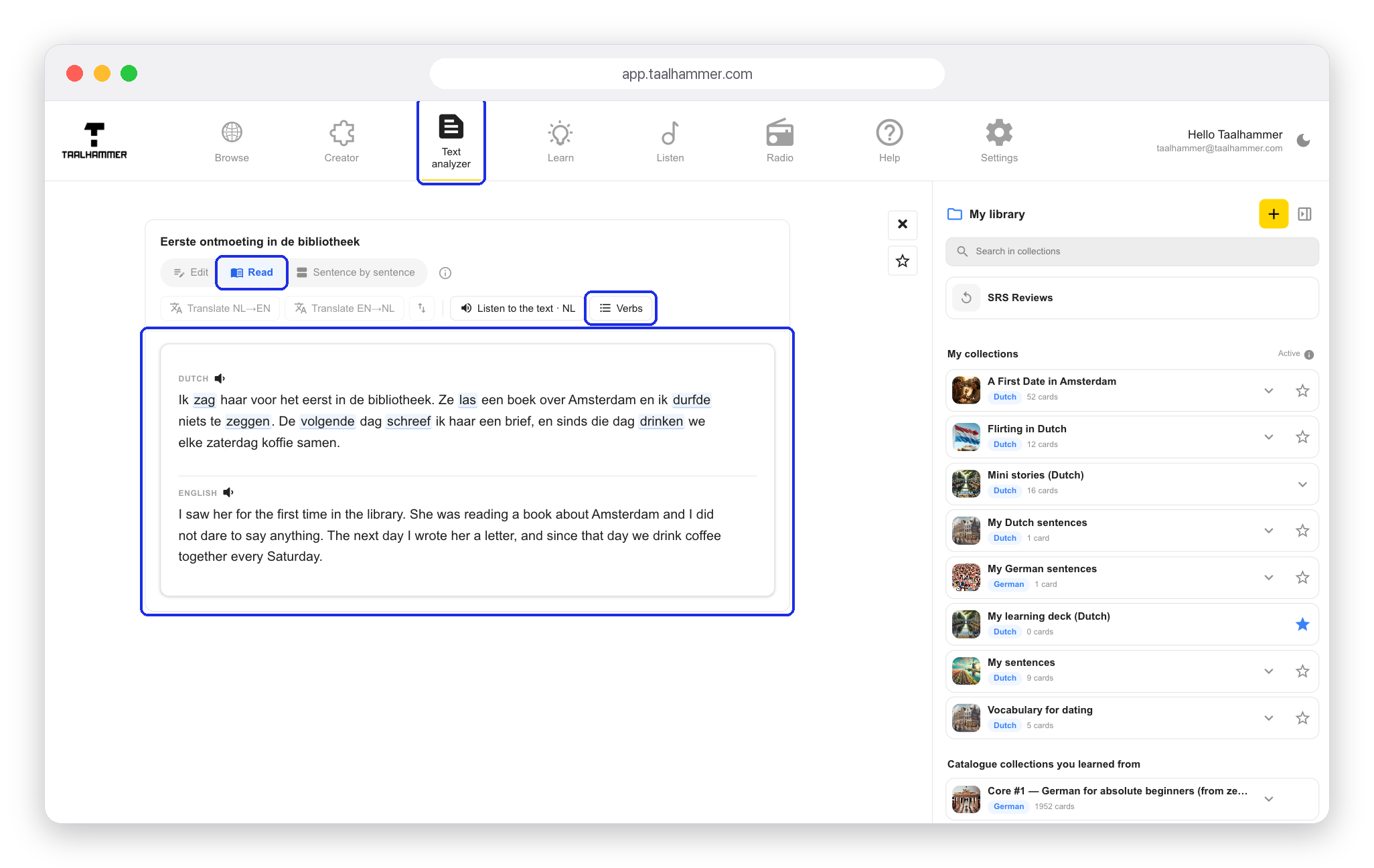
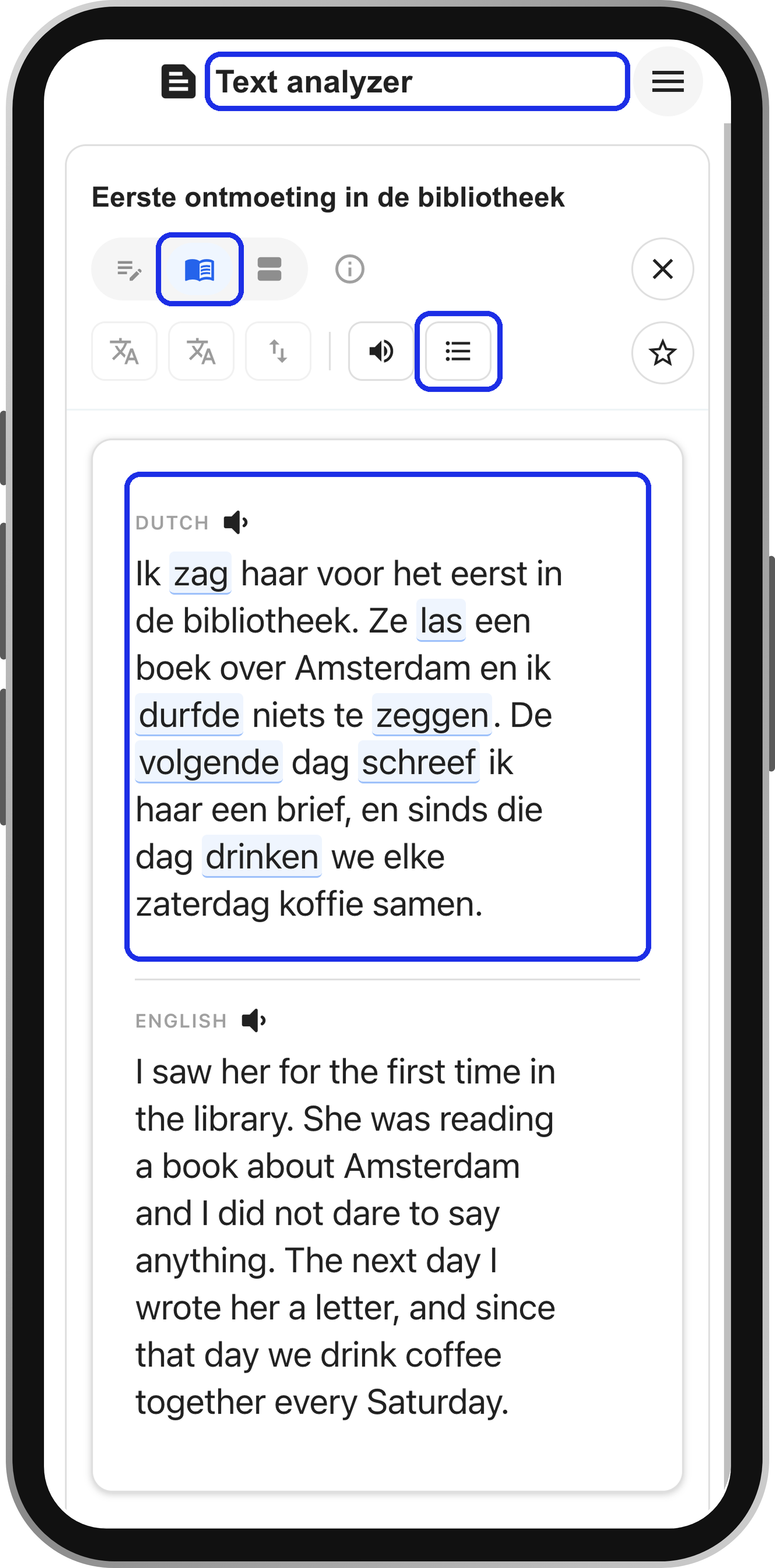
Click Verbs to see all the verbs in the text and how often each one appears. Choose one to see its full conjugation, with the form used in your text marked. Click any form in the table and Taalhammer writes example sentences with exactly that form. Tick the ones you like and click Add selected as flashcards.

Everything you saved is now in your collection, so you can listen to the whole story in Listen: find it on your playlist and click it. It is a text you chose, read and understood yourself, turned into sentences you will actually use.