2.2
Editing the learning stream — how to quickly switch between different content sources
In Learn you study from the collections in your library: the ones you added from the catalogue and the ones you created yourself. You can learn from a single collection by choosing its name, or from all your Favourites at once. Then Taalhammer mixes cards from all of them.
On a computer your Favourites are in the panel on the right, under You are currently studying with:. On a phone, open My Library from the menu, where you can tap any collection to see what is in it and organise your Favourites for learning and for listening separately. To take a collection out of your Favourites, click the heart next to it. The heart goes out and the collection moves down, outside your Favourites. Click the empty heart to add it back.


To add new content, go to Browse, open a collection and click Add to My Library. On a computer, the My Library filter in Browse shows every collection you are enrolled in. To remove a collection from your library, open it and click Remove from My Library.
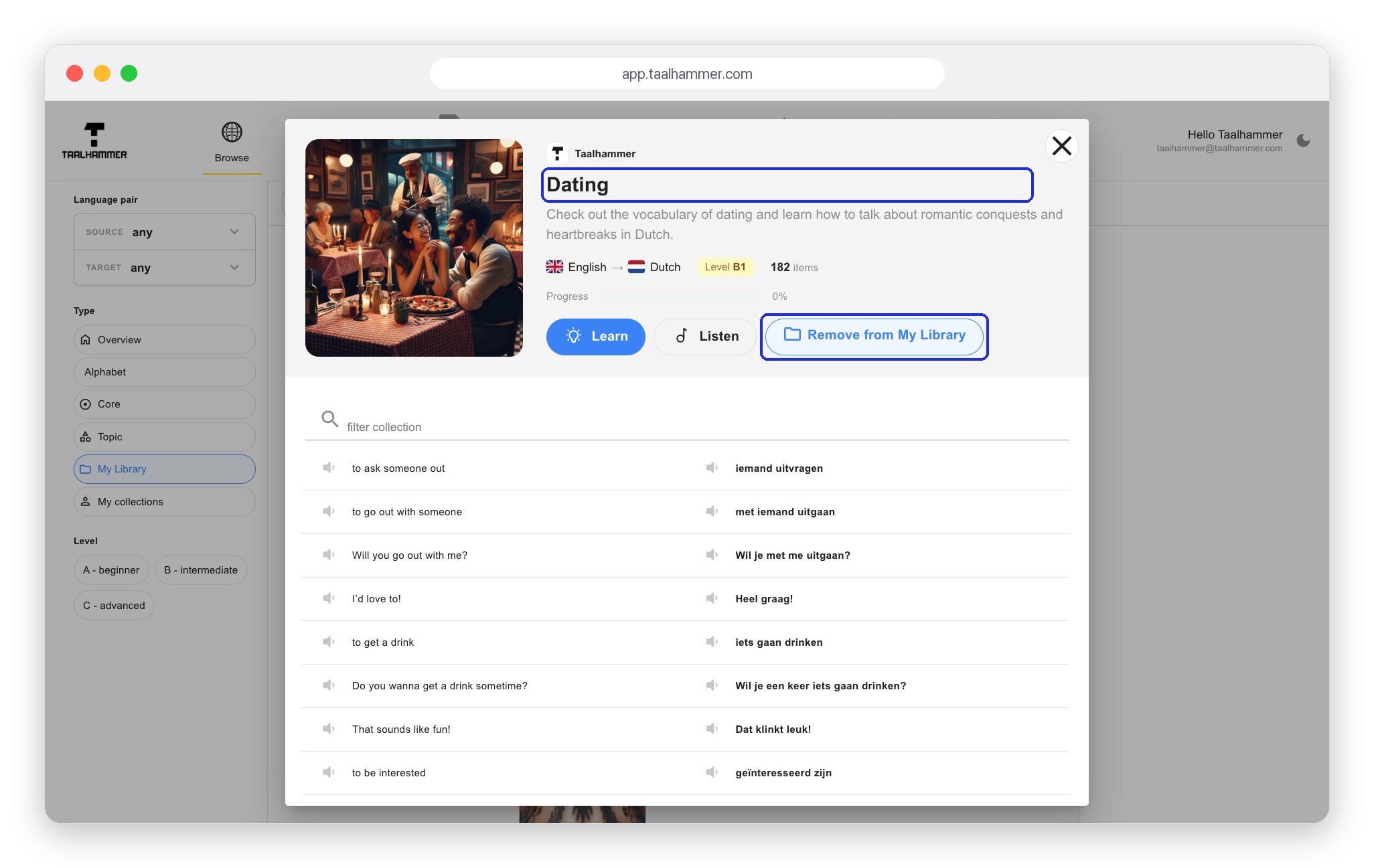
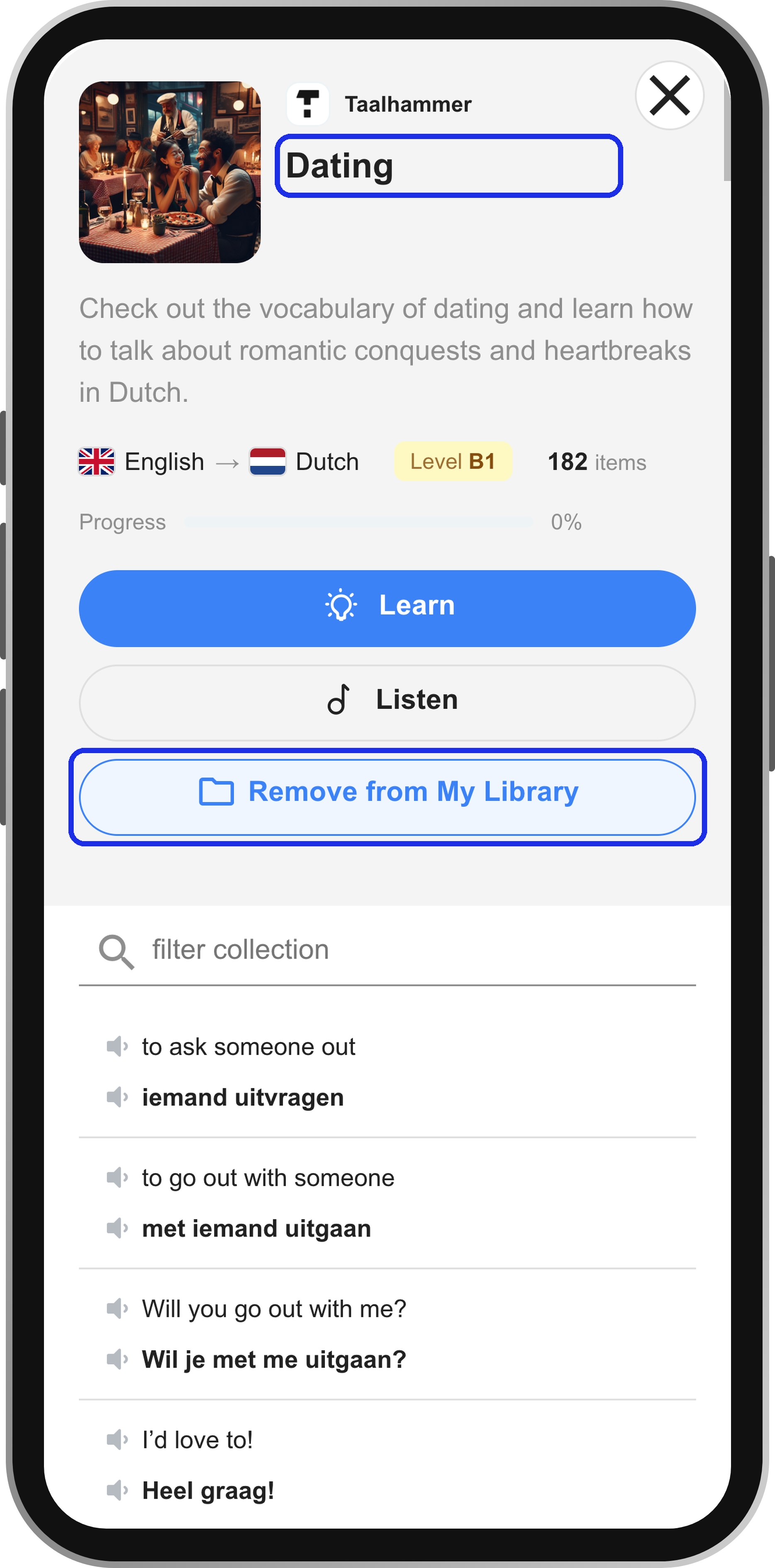
You can sign up again later and pick up exactly where you left off. Your Favourites can combine different topics, and even different languages.